

No-code automation built into the data graph.
Triggers from any module, conditions over the whole graph, actions across every module. The same engine your AI agents call — because what AI can automate, you can also script and audit.
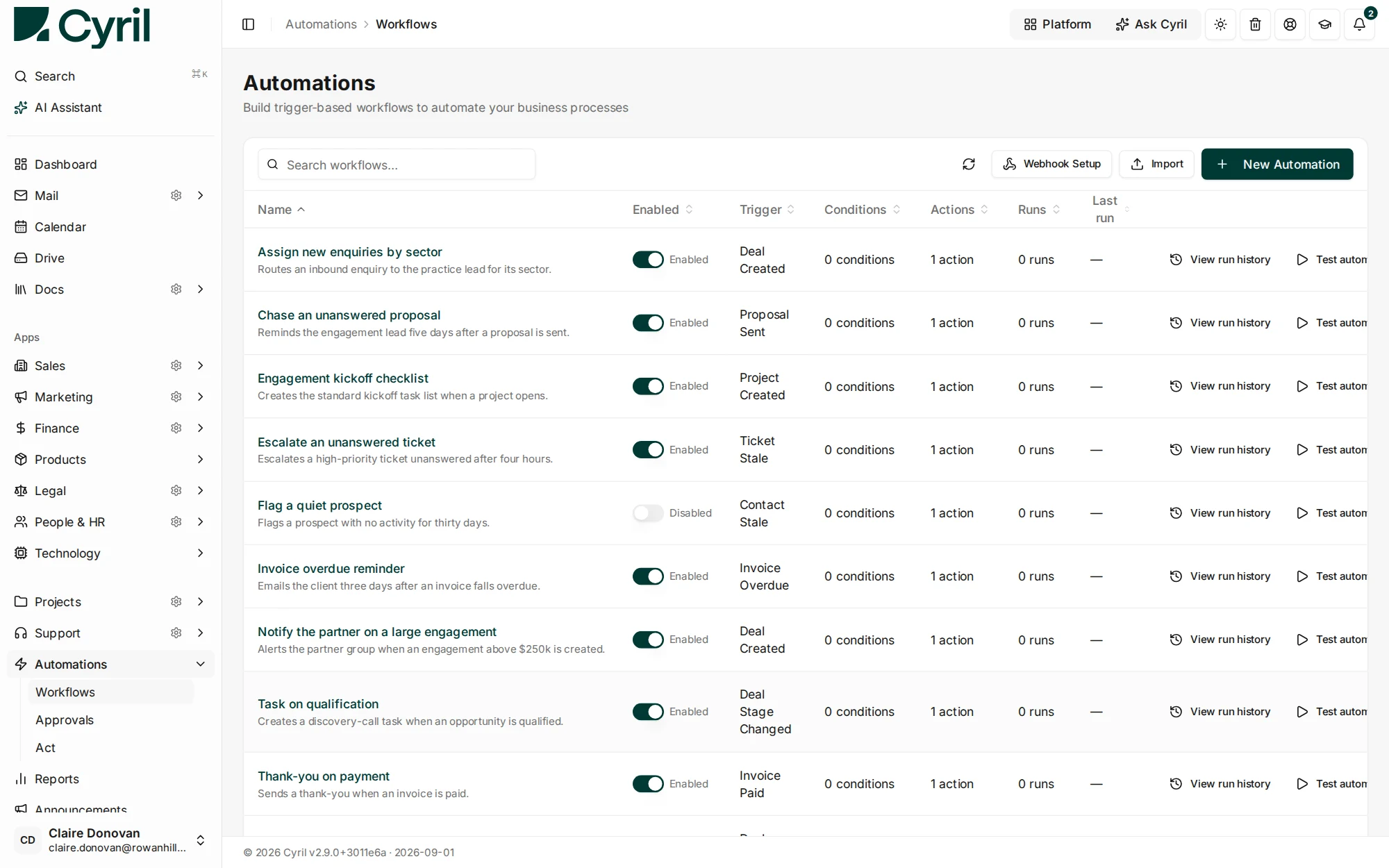
What Automation does for you
Triggers anywhere
Sales stage changes, ticket events, project milestones, AI agent decisions, scheduled times — anything that produces a graph event.
Conditions across modules
Filters that read across module boundaries. "If deal closed and customer has no open ticket and project budget is under threshold, then..."
Actions on every record
Create, update, route, message, invoice, schedule. Same actions an agent calls — so what humans script, AI can call too.
Auditable, testable
Every run is logged. Test mode replays a trigger without taking action. SOC 2 controls apply to automation runs.
The engine your humans script and your agents call.
Cyril doesn’t have a separate "AI workflow" and "no-code workflow" — they’re the same engine. What an agent can do via natural language, your operator can also script in the visual builder. One audit log, one test surface.
- AI agents call into the same actions as no-code automations
- Test mode replays a real trigger without producing side effects
- Versioning: every automation has a history with rollback
Test mode replays a real trigger without taking the action.
An automation that spans modules can do real damage, so a rule can be replayed against a real event with the actions withheld — you see what it would have done before it does it. Every run that does execute is logged on the same audit trail as human and agent actions, which is what makes an automated write reviewable rather than merely fast.
- Replay a trigger with actions withheld, then arm it
- Every run logged on the one audit trail
- The same engine the AI calls, so both are auditable one way
Common Automation questions
They work together. Use AI agents for one-off and judgement-heavy work; use automations for high-volume, deterministic flows. Both call the same actions — and you can promote a working agent flow into an automation when it’s proven.
They are the same machinery approached differently. The AI calls this engine to act, so anything an agent can do you can also script deterministically — and anything you script, an agent can call. Rules are for what should happen every time; the AI is for what needs judgement.
Runs are logged and testable before arming, which is the practical control. If you are designing something that writes to the records that trigger it, replay it in test mode first — that is precisely the case the mode exists for.
The engine is built to join modules at the graph level rather than to be a general-purpose iPaaS. If your requirement is orchestrating several external SaaS products, a dedicated automation product is still the better tool — the value here is that the internal joins need no connector at all.
Be one of the first to use Cyril.
Join the waitlist for early access. We'll only email you when there's something real to share.